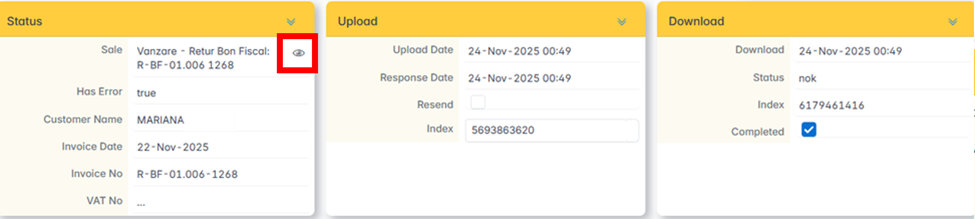
When an invoice has been rejected by ANAF (Status NOK), it is corrected from the Sales Edit menu and resubmitted.
Invoice correction
From Sales Edit , click the button next to the Its field — the invoice opens in edit mode.
The most common errors are related to the customer's address. Correct the address and click Save.
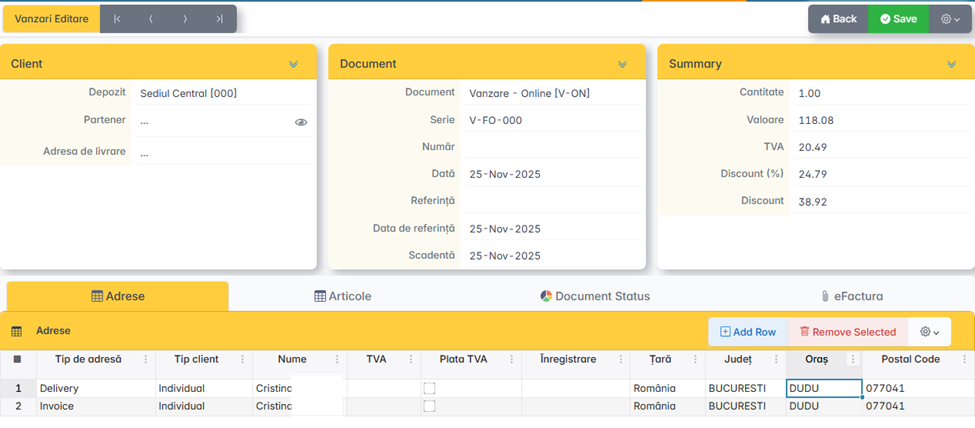
To check the items, click Items.

Resubmit
The corrected invoice can be resubmitted from Edit Sales or Sent Sales.
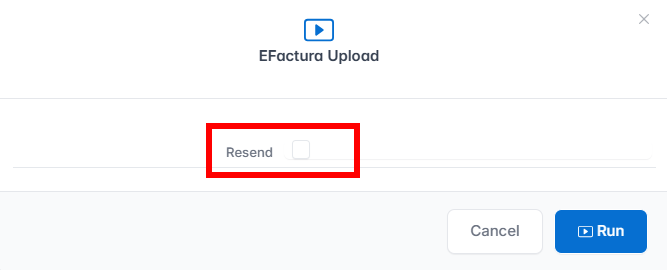
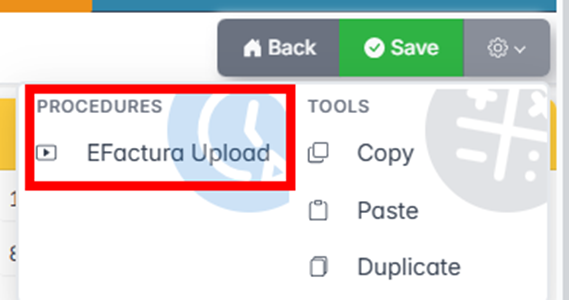
The invoice opens, presses Settings , and selects eInvoice Upload.
Check Resend and press Run.