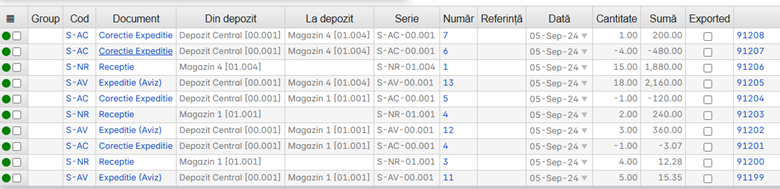
The correction document adjusts the stock when there are differences between shipment and receipt — minus quantities, extra quantities, or both.
When to use
The correction is generated from the dispatch document, after the receipt has highlighted differences from the notice. It is not created manually.
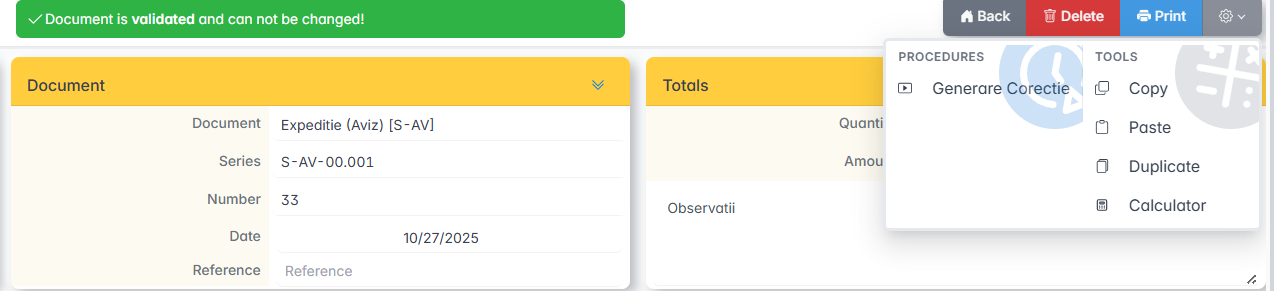
Generate correction document
The Dispatch document opens and Generate Correction is clicked.
The generated correction documents appear in the Movements menu.
Validation and printing
- The correction document in Movements opens.
- Items and quantities are checked.
- Click Validate.
- Click Print to print the Goods Accompanying Notice.