After the scan is complete, the data from the ICS is transmitted to Datagate and processed before the final result is generated.
Import date scanner
The areas scanned in ICS are automatically transmitted to the Datagate Inventory document. The document contains two main pages:
- Stock — Script stock, automatically imported before the result is generated.
- Scan Edit — scanned, viewable, and editable areas.

Area Editing
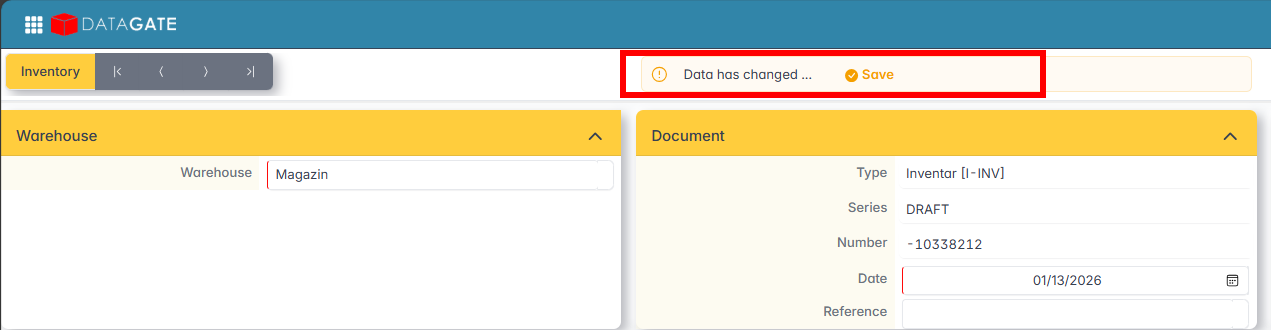
On the Scan Edit page, you can add or subtract items from existing areas or on new areas. After the changes, click Save — the button automatically appears at the top when there are unsaved changes.
To add new areas, click Add and enter the item codes by searching, manually or by Copy/Paste from XLS. Fill in the section name.

Area management
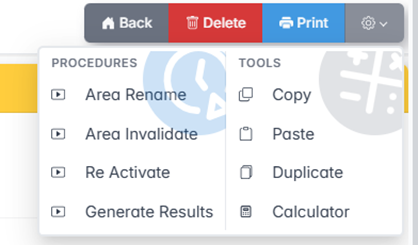
From the Settings menu of an area you can find:
- Area renaming — recodes the area.
- Area Invalidation — excludes the area from the calculation of the result.
- Area Reactivation — Reactivates an area that was inadvertently invalidated.
Area Summary — Displays the quantitative summary of the scanned area.

Data Scan — displays details about each area: status, the scanner with which the scan was made.