Create documents; Pick-up from the shipment; Validation and printing
The reception confirms the entry of the goods into the warehouse based on a previously issued shipping notice.
Create Document
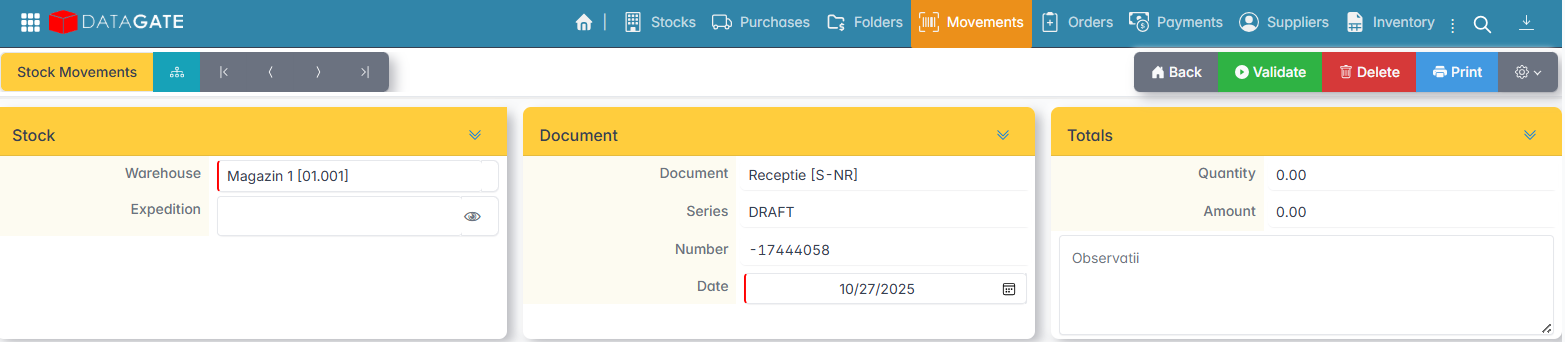
From the Stocks – Movements menu, click Add and select the S-NR Receipt (NIR) document.
Select the Warehouse where the goods are received.
Pick-up from the expedition
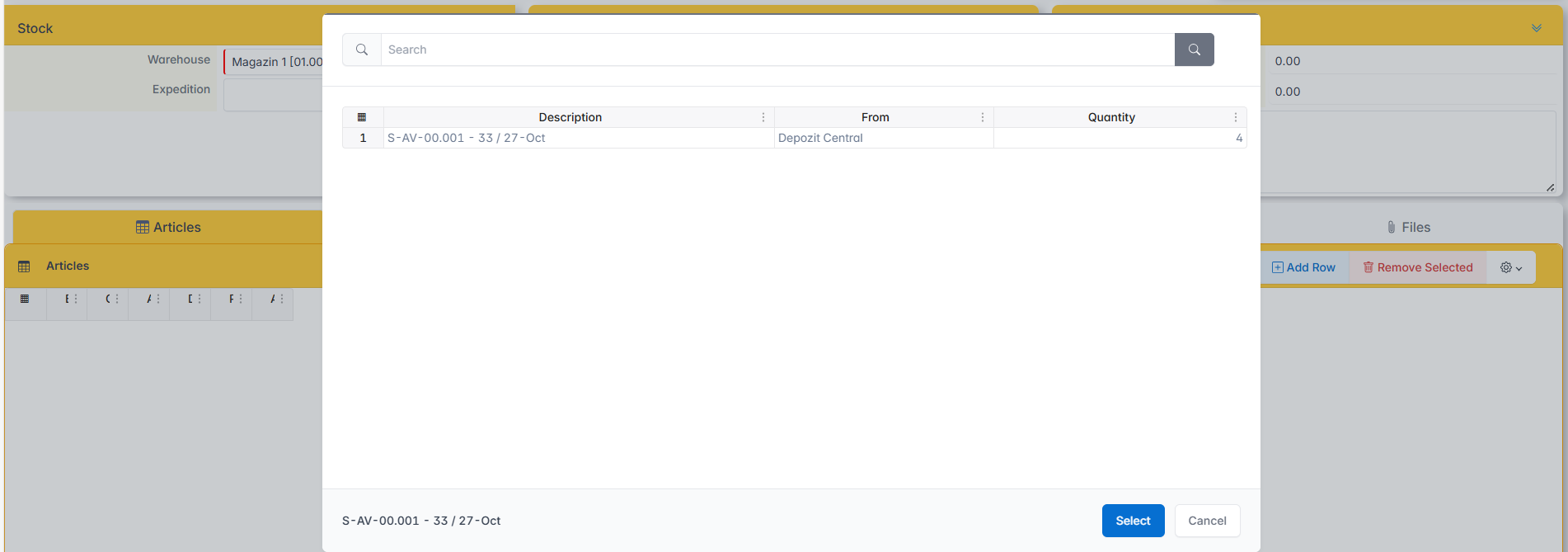
The Shipment field is clicked. The list of shipments made to the selected warehouse opens.
Select the shipment to which the receipt is made and click Select. The document is automatically filled in with the articles in the notice.
If there are any differences from the notice, changes can be made in the Items: delete, add, or change quantity window.
Validation and printing
- Click Validate to issue the document.
- Press Print to print the Receipt Entry Note.