The Transfer Note records the movement of the goods between two managements from the same physical location.
Create Document
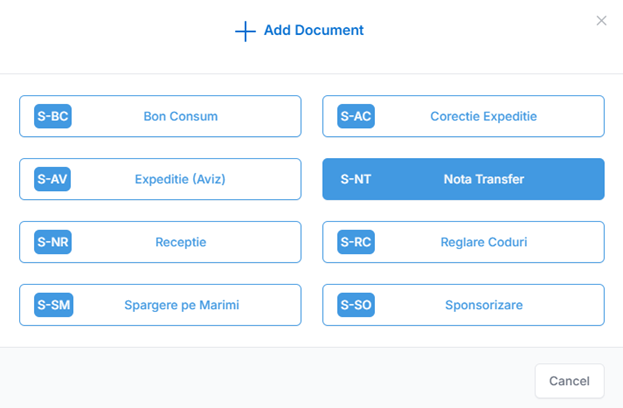
From the Inventory – Movements menu, click Add and select the S-NT Transfer Note document.
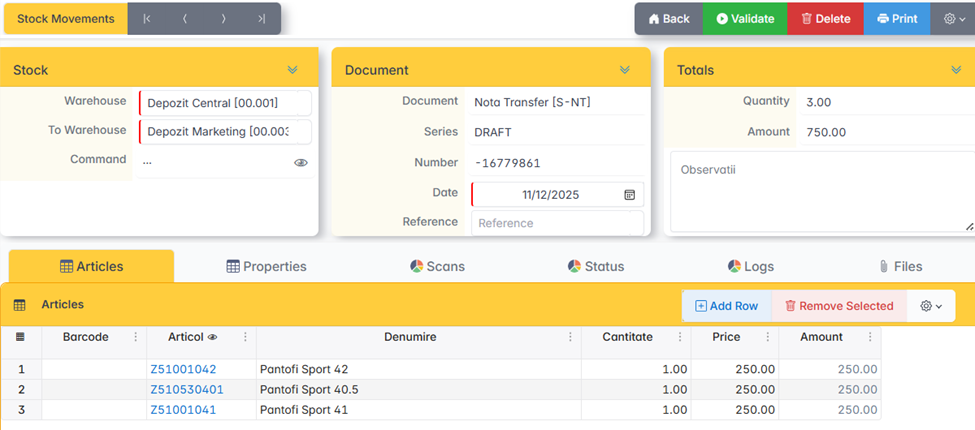
Select the Shipper Warehouse and the Destination Warehouse.
Articles
In the Items window, add the items and quantities to be transferred.
Validation and printing
- Click Validate to issue the document. The receipt at the destination warehouse is automatically generated.
- Click Print and select the documents to print: Notice or Transfer Note.