The Suppliers menu keeps track of the partners from whom the company buys goods, services or parts. The data on the supplier's file automatically enters on the purchase documents.
Creating a new supplier
- From the Suppliers menu, click Add.
- The Fiscal Code (CUI/CIF) is completed. The application automatically takes over the name, registration number with the Trade Register and the address of the registered office.
- Check the data and save the record.
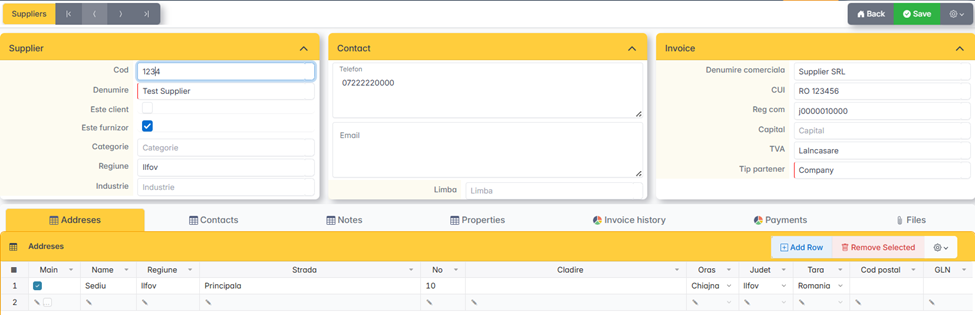
Addresses
The supplier can have several addresses: registered office, shipping points, warehouses. The address marked as Primary is your tax address — it appears on your purchase documents.
Each address has a label for identification at the reception (for example: Depozit Cluj).
Contact
The people from the supplier you work with: commercial agent, delivery manager, accounting. Phone and email for each.
Commercial conditions
On the supplier's sheet, the following is set:
- Payment term — the number of days until the invoice is due.
- Payment method — OP, cash, card.
- Default currency — for external providers.
- Category, Vendor Group — for segmentation in reports.
These settings are automatically taken over when you create your purchase invoices.