The offer centralizes everything related to a commercial negotiation: items, prices, terms, payment conditions.
What's in an offer
- Items, quantities, prices — products proposed to the customer, with negotiated prices.
- Expiry period — the date until which the offer remains valid.
- Payment arrangements and maturities — negotiated financial terms.
- Worksheet — An Excel workspace integrated into the offer for calculations, notes, configurations, and other related information.
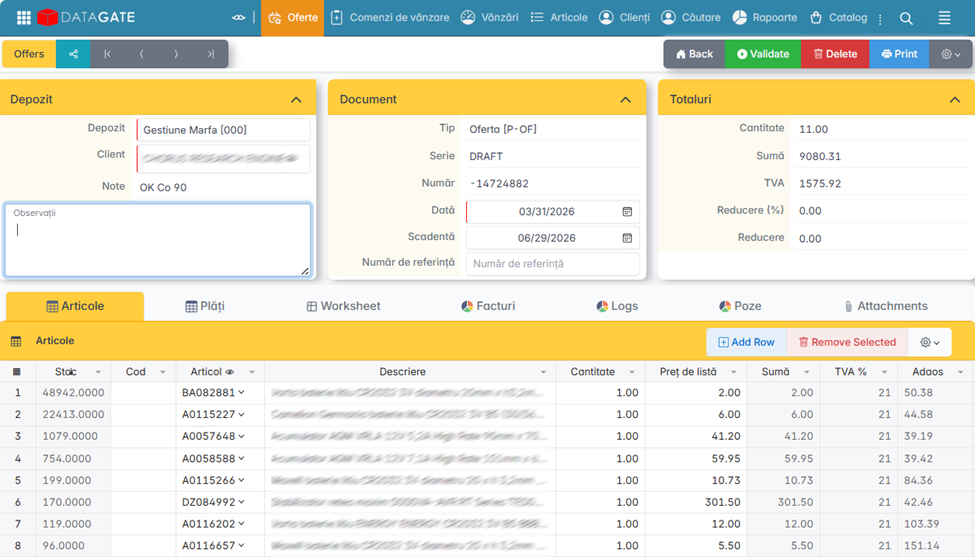
Create a quote
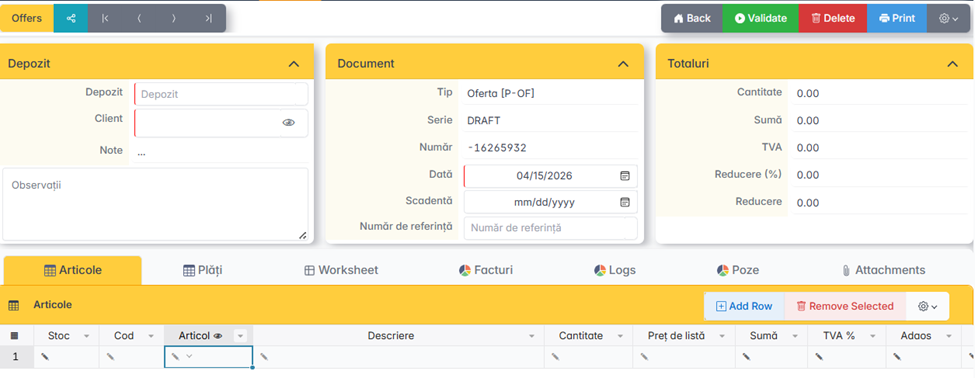
- From the Offers menu, click Add.
- Fill: Customer, Salesperson, Expiration Date.
- Add the items with the proposed quantities and prices. Prices can be automatically taken from the active pricing policy or adjusted manually.
- Fill in the payment methods, due dates and, if applicable, the worksheet with additional information.
- Recalculate with another general or individual mark-up per item, if necessary.
- Save or issue the offer.
Conversion to order
If the customer accepts the offer, it can be converted directly into an order. The app automatically retrieves the customer, items, quantities, and prices. The original offer remains in the system as a reference document, linked to the generated order.