The online invoice is generated from the confirmed order. The data is retrieved automatically — it is not filled in manually.
Generating the invoice
- Open the confirmed order from the Online Orders list.
- Click Billing. The application generates the invoice with the type of document configured for online (for example, V-FO – Online Sales Invoice).
- Verify the generated invoice and issue it with Validation.
- Continue with AWB creation and shipping from the Logistics module.
The invoice automatically captures the customer, delivery address, items, quantities, prices, and payment method from the order.
Online Warehouse & Store Shipping
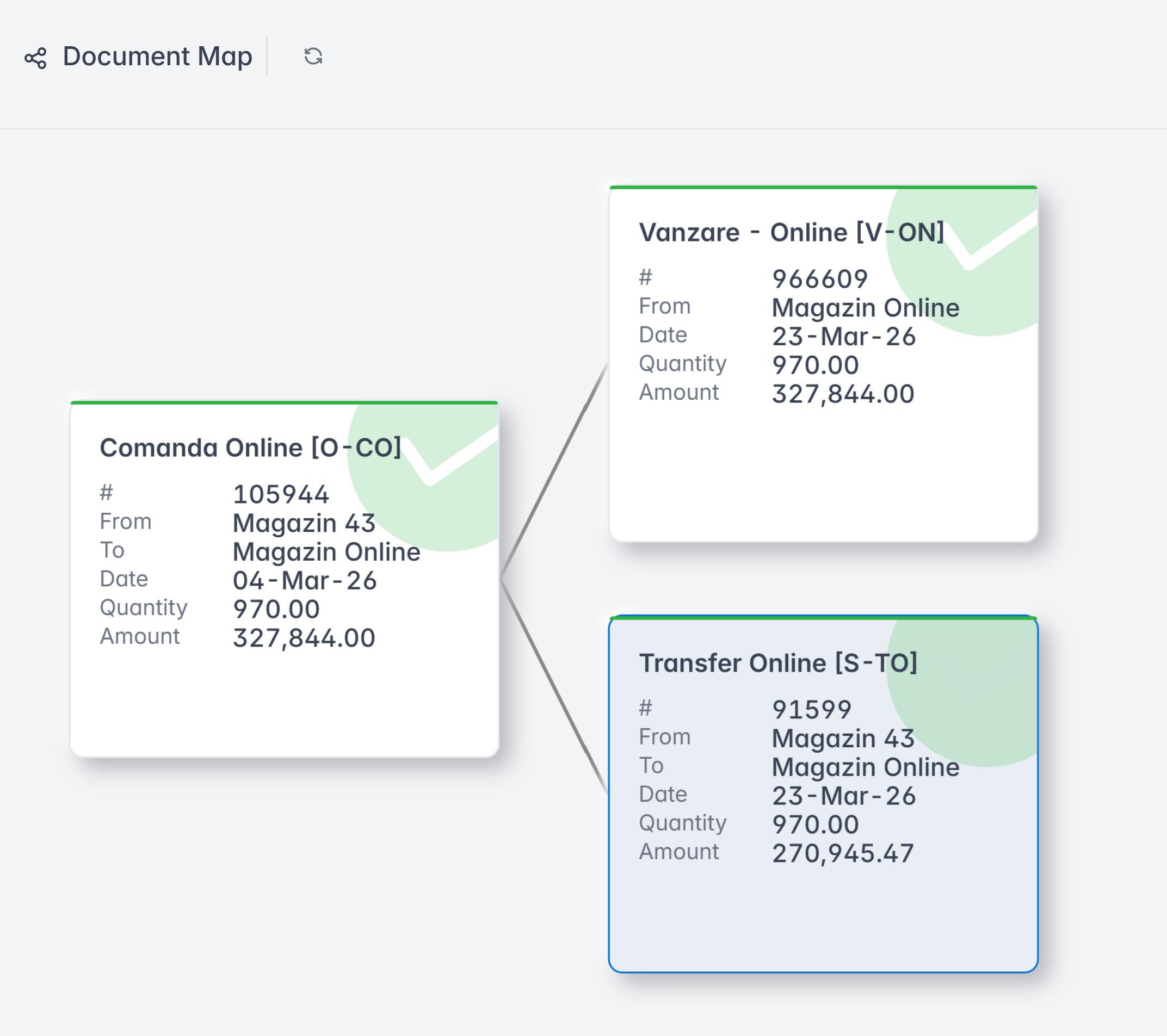
Sale and online rerurul are usually operated in an Online Warehouse. The goods are transferred to the Online Warehouse and then invoiced.
In this way we remove/reserve the goods from the work stock, avoid invoicing from the store, the issuance of the tax receipt is mandatory, we have a control key - the Online Warehouse must always remain empty.
Group billing
For large volumes, confirmed orders can be invoiced simultaneously. From the Online Orders menu, select the desired orders, then from Settings , click Batch Billing.
The application generates an invoice for each selected order. Orders with errors are skipped and reported separately.