Online orders are automatically imported from connected e-commerce platforms. What can I create manually in the case of phone orders. manual.
Order Import
The import is triggered automatically at the configured interval or manually from the Online Orders menu → Settings → Import Orders.
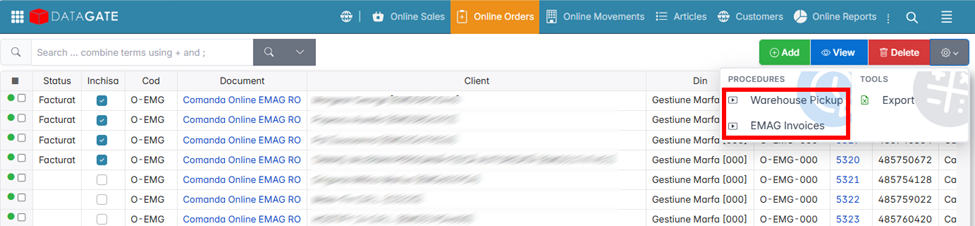
When importing, the application retrieves from the platform:
- Customer and contact details.
- Delivery address.
- Items, quantities and prices.
- Payment method (card, cash on delivery).
- Delivery service selected by customer.
If a customer or item does not exist in the BOM item, the order is imported in error and must be resolved manually before processing.
Processing an order
Imported orders appear in the Online Orders list with a status of New. Processing Flow:
- Open the order and check the items, quantities and delivery address.
- Confirm the order — the status goes to Processing.
- Turn the order into an invoice with Invoicing. The application generates the invoice with the data retrieved automatically.
- Continue with Shipping in the Logistics module.
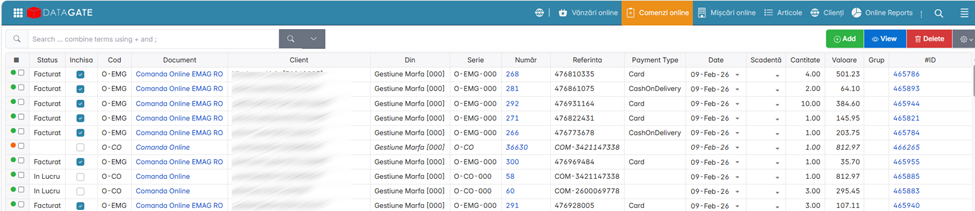
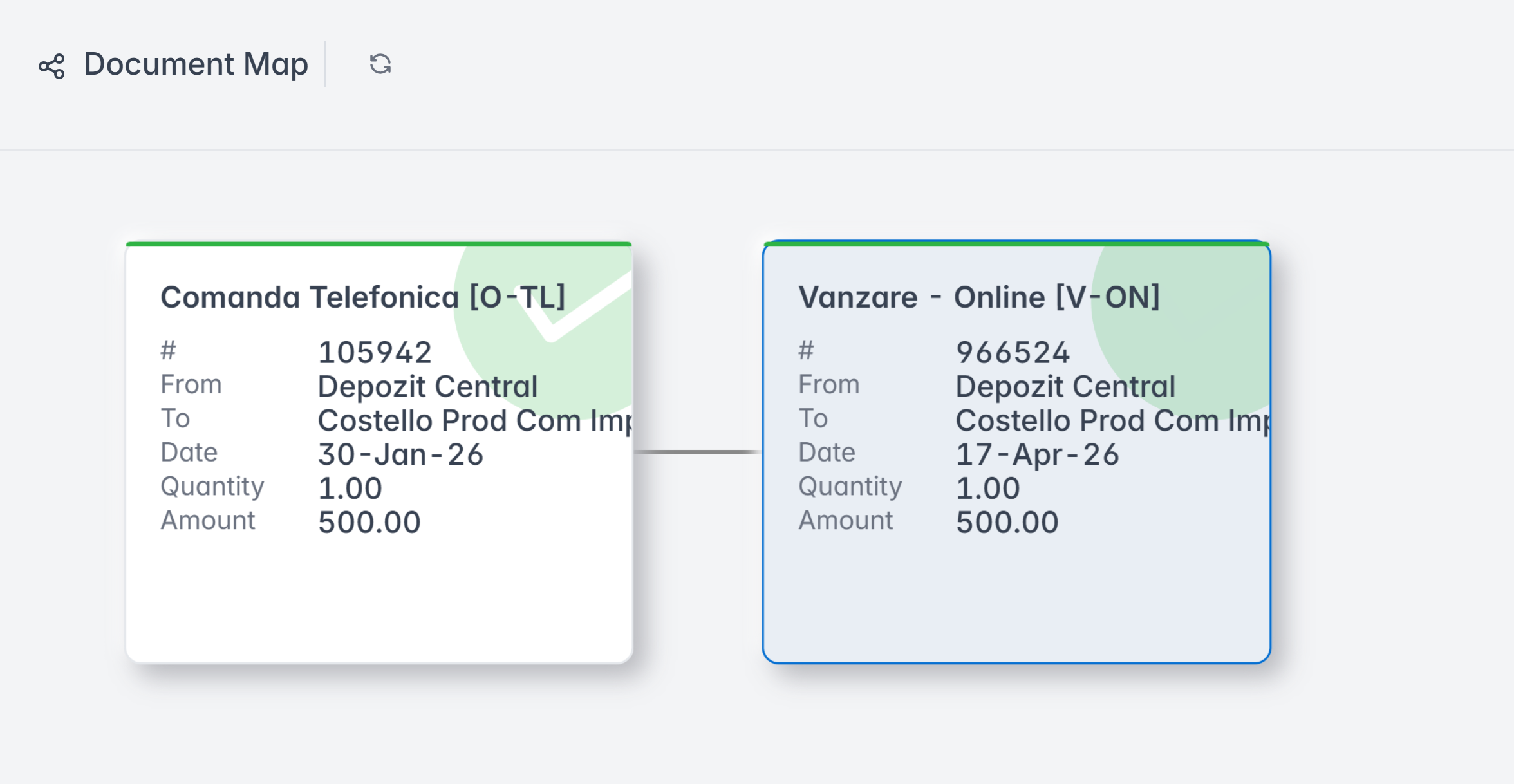
Telephone Order
<!-- EVERYTHING -->
The prices in the order are not editable. They are applied according to the active pricing policy at the time of placing the order.