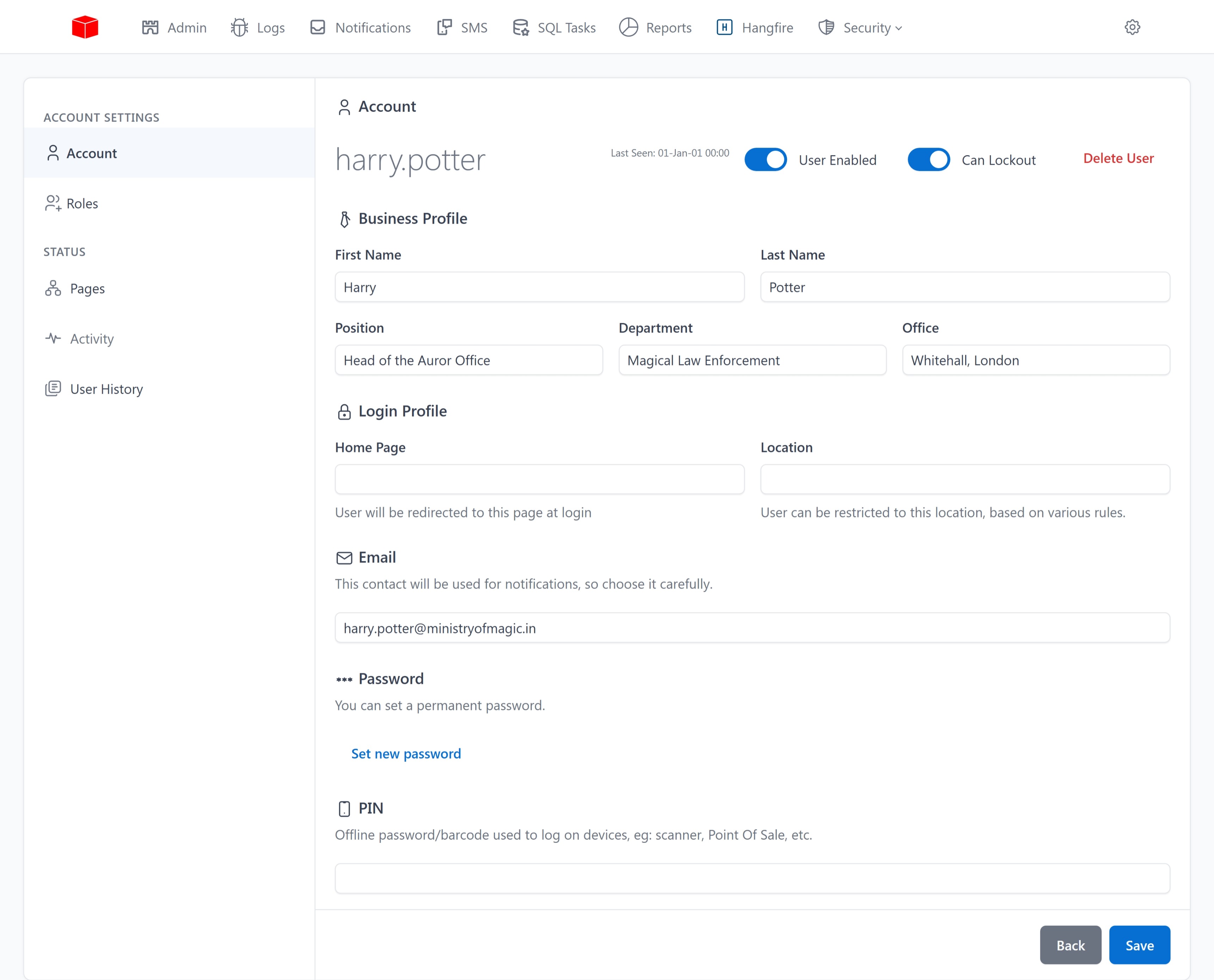
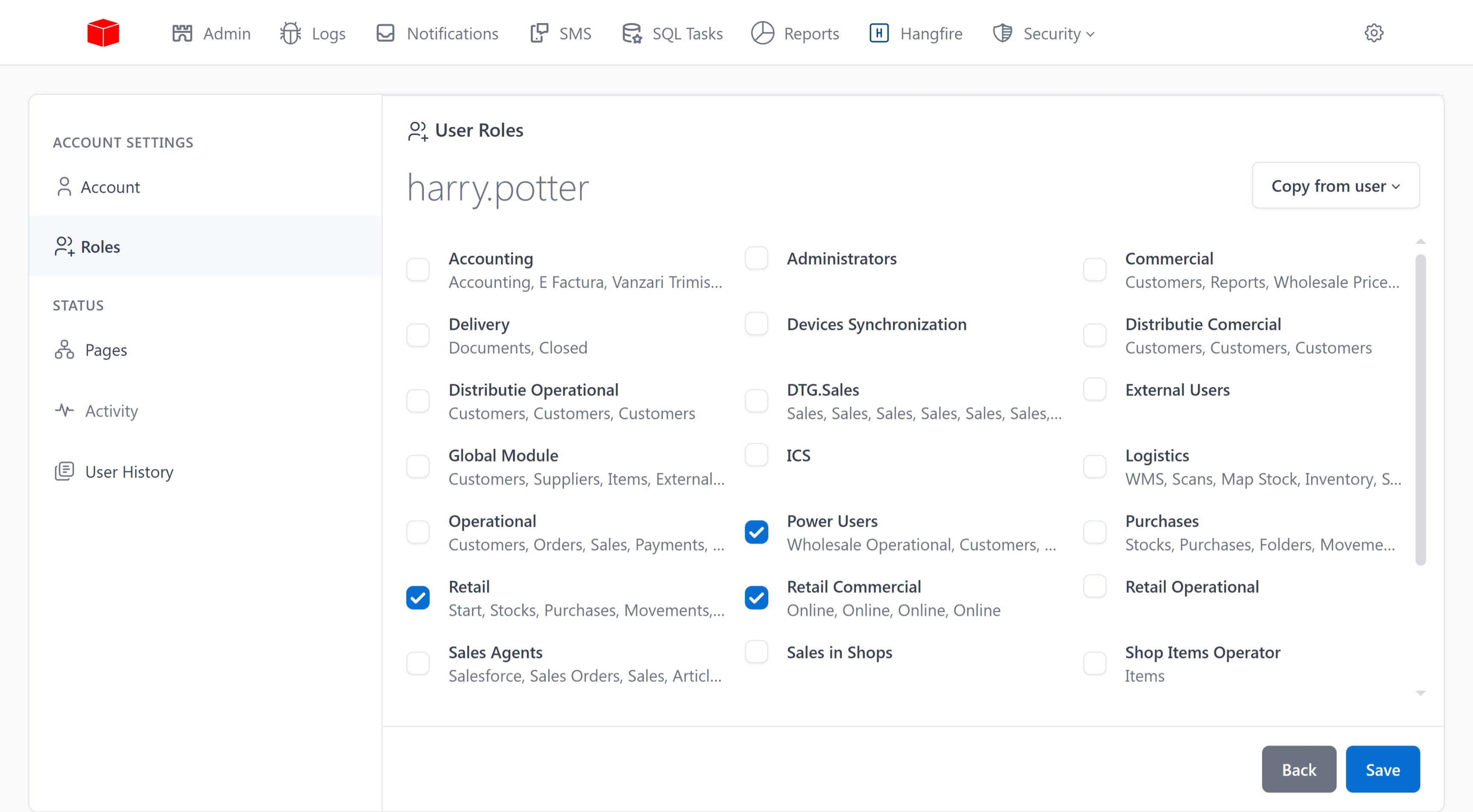
User management
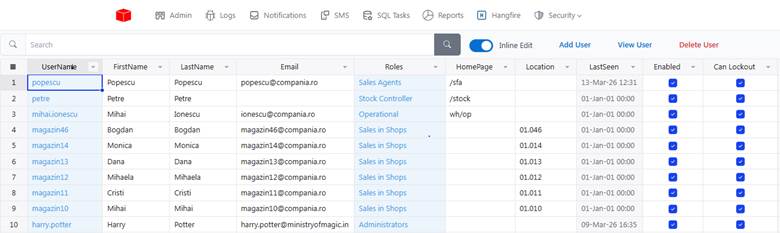
User administration is done centrally, from a single interface, by members of the Administrators role. For each user, the authentication data, the two-factor method, the assigned roles and the locations to which they have access (stores, warehouses, work points) are configured.
The changes apply immediately — if a user is revoked access to a module, the effect is instantaneous, without requiring reauthentication or restarting.
Define roles
A role represents a function in the organization, not a person. Typical examples: warehouse operator, cashier, sales agent, store manager, system administrator.
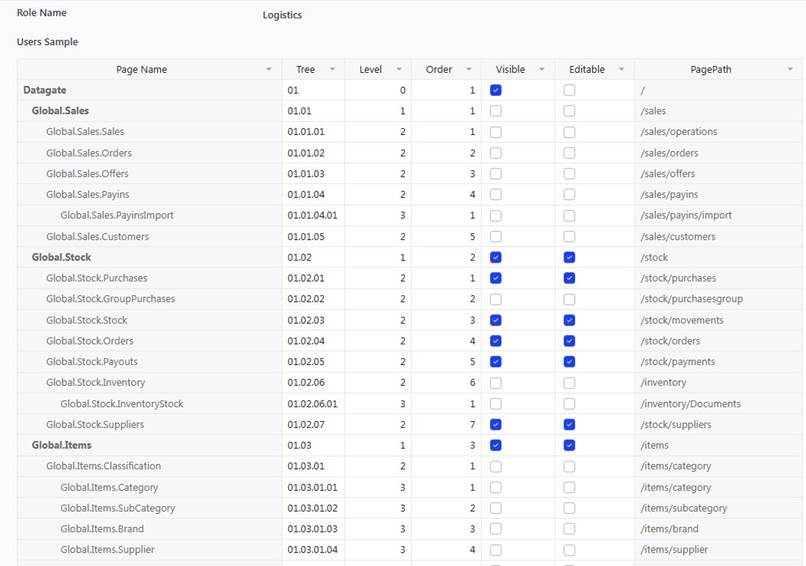
Each role contains a list of accessible pages and how to access each — view or edit. When a new role is created, it starts from scratch or clones an existing role and adjusts permissions.
Good practices
Roles must be thought of on real functions in the organization, not on individual people. If one employee leaves and another comes in the same position, they just need to be assigned the same role — without reconfiguring permissions.
A user can have multiple roles at once. A store manager who occasionally also operates the cash register can have both the role of manager and cashier. Permissions are rolled up — the user sees the meeting of all pages in all their roles.
Regular review of roles is recommended. As the organization evolves, new features emerge or existing ones change. A quarterly audit of roles prevents the accumulation of unnecessary or inappropriate permissions.