How it works
ICS synchronizes data with the Datagate server to have items, prices, orders, and documents updated on the scanner.
Automatic synchronization
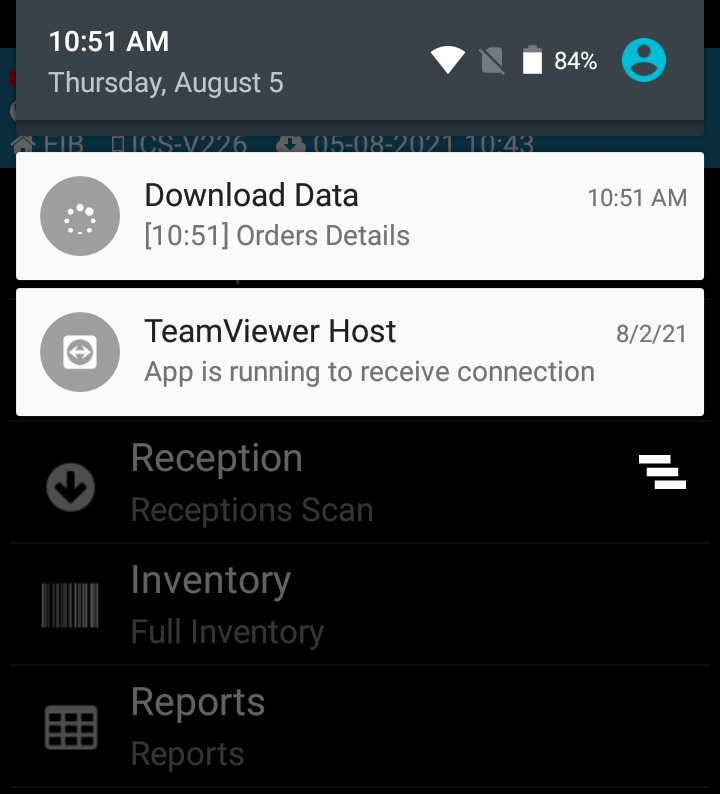
When opening the program, items, prices, shipping and receiving documents (orders) and inventory are automatically synchronized from Datagate. The download progress is visible in the top bar of the program.
The automatic synchronization repeats once an hour. Prices only sync when you start the app.
Important: Start using the scanner only after syncing is complete.
Manual synchronization
Press the Sync button from the main menu. The message appears on the screen: "Attention! Synchronization has begun! Start using the scanner after the process is finished."
Manual synchronization is useful when you know that new orders or price changes have appeared that have not yet been picked up by automatic synchronization.