Preparation
The inventory is first created in the management program (Datagate / Business Essentials). After the data is synchronized, the inventory automatically appears on the scanner.
The ICS program is opened on the management on which the inventory is made. After syncing, the inventory is available in the Inventory menu.
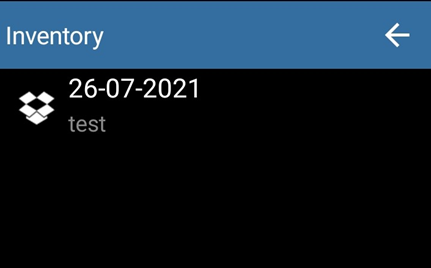
Inventory Scan
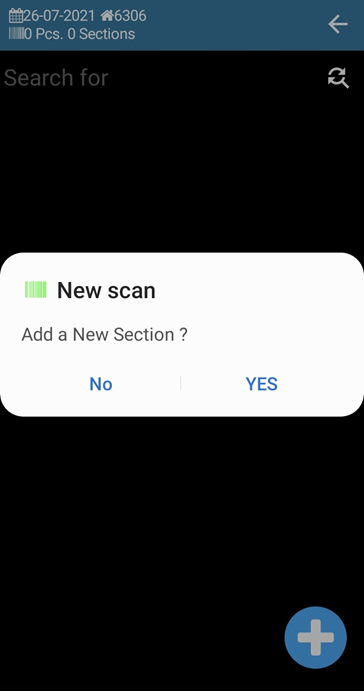
The inventory opens and a new section is added by pressing the Plus key. Sections allow inventory to be divided into zones or teams — each operator scans their own section.
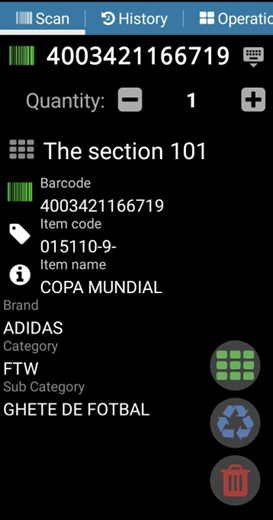
Scanning works the same as in the other operations: items are scanned successively, the default quantity is 1, adjusted by +/– or manually.
Options during scanning
- Switch to new section — directly from the scan window, without going through Save Operations, saving time →
- Mark item as defective — the scanned item is labeled as defective in inventory
- Delete scanned item — if it was scanned incorrectly
Section Operations
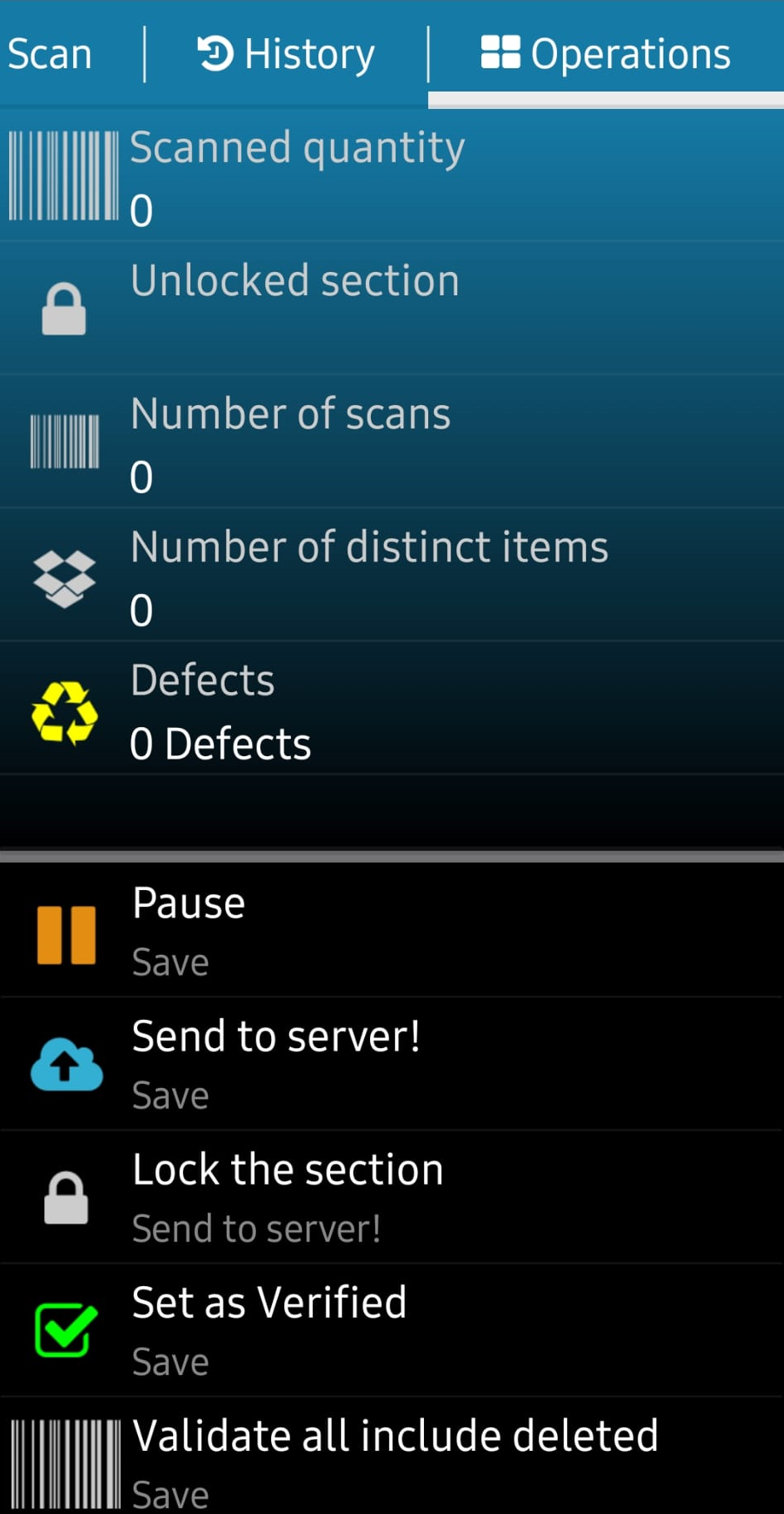
From the Operations window, each section has the following actions:
- Pause —The section is saved locally. The scan can be resumed later from where it was stopped.
- Send to server — the scanned section is saved and sent to the server. The scan can continue later.
- Block section — The section is blocked and sent to the server. You can no longer continue scanning on it. We recommend blocking sections after checking if no differences are found.
- Set as verified — the section gets a status of "verified."
- Validate all sections — global validation, including deleted sections.
- Invalidate — Cancels a misscanned section.
We will stop blocking the sections after checking them if no differences are found.
Submitting articles to Datagate is done from the main menu of ICS. All created sections will be sent regardless of whether they are locked or saved.
If the section is saved and the scan will continue later, the rest of the scanned items will be sent to the next synchronization.
Do not operate during data transmission!
We don't recommend creating large inventory sections, which can lead to several problems:
- Blocking of the program due to the large size of data to be transmitted
- Slow data transmission
- Difficult correction of a large section