Gift card — check details
To check the details of a gift card that's already sold, scan or manually enter the card code in Text Search. The value of the gift card, the name of the customer and the operations performed on that card (sale, return) are displayed.
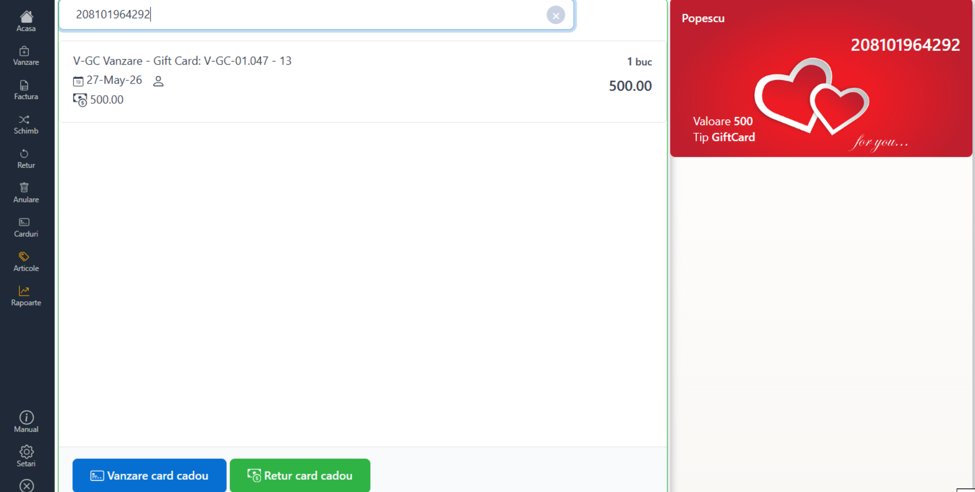
Gift card sale
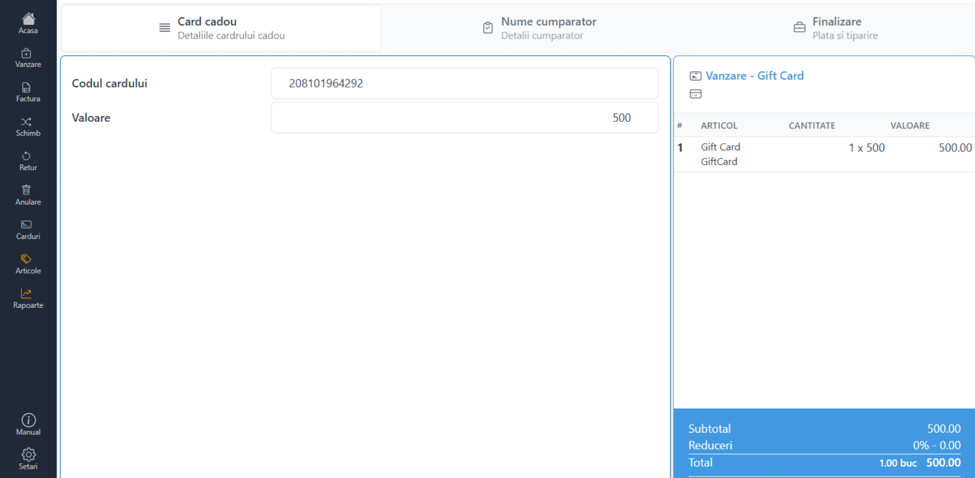
Select Gift Card Sale and scroll through three windows:
Gift card details — scan or enter the card number and value. The value is displayed in the right window.
Buyer details — fill in the customer's data:
- Individual: name, county (from the list), city
- Legal entity: CUI with ANAF Takeover, county, locality, bank, bank account
Complete — select the payment type (cash or card) and click Print. A tax receipt and invoice are issued.
Return gift card
Select Return gift card. Scan or enter the card number — the value and billing data are automatically populated. Click Print to finish. A return invoice and payment order are issued.