Loyalty cards — Registration and verification details
When handing over a new loyalty card, the customer's data is first recorded in the system.
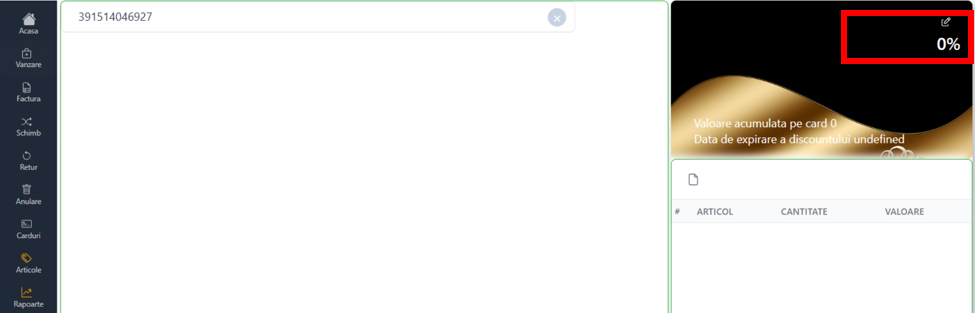
In the Card menu, select Loyalty Card. The new card is scanned. The message will appear: No information found!!
After closing the message, on the right side click on the edit sign, a new page for editing customer information will open.
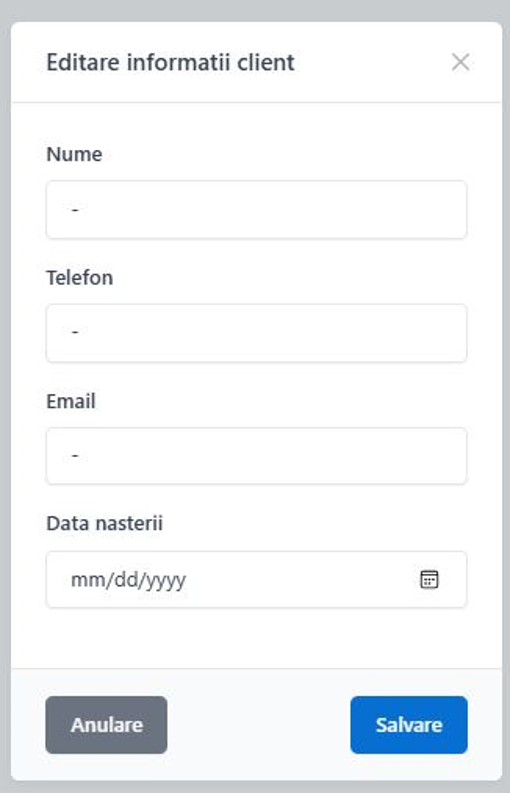
Here the client's data will be filled in: name and surname, telephone, email address.
Also in this section you can correct the data if it has been entered incorrectly.
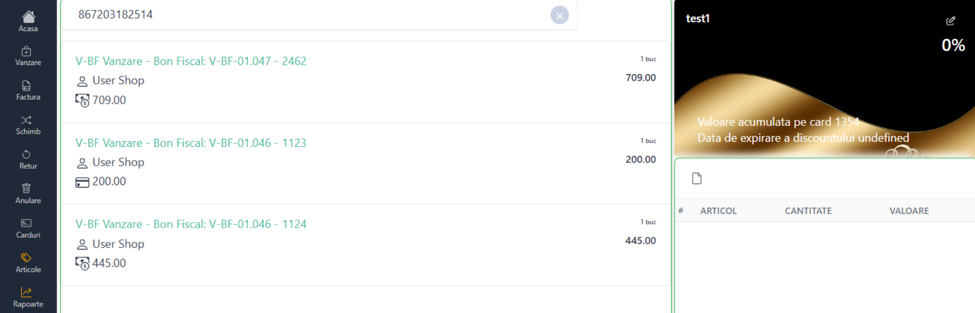
To check the details of an already registered loyalty card, it is scanned or manually entered in the Text Search field. The sales made with the card, the amount paid and the discount percentage will be displayed.
To use your loyalty card in the sales process, see the Sale page (Loyalty Card section).