1. Search for tax receipt
From the main menu, press the Return key. The search window opens with the same options as for billing:
- Introduction date, series, document number
- Barcode scanning on the receipt (auto-fill)
- Last Sale — for return to last transaction
2. Select items to return
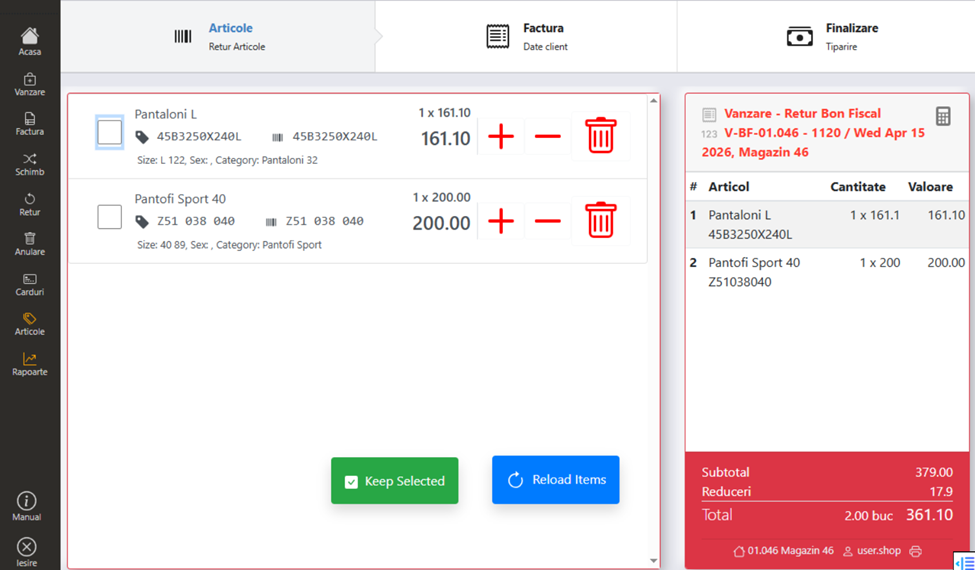
Once the receipt is found, all the items on the receipt are displayed. If the customer returns only part of the products:
- Select and delete items that are NOT returned from the window (trash can key, with confirmation)
- Only returned items remain in the window
- If there are several pieces of the same item, the + and – keys are used to adjust the quantity
3. Filling in billing data
Attention: if an invoice has been issued for the respective tax receipt, the data from that invoice will appear on the return.
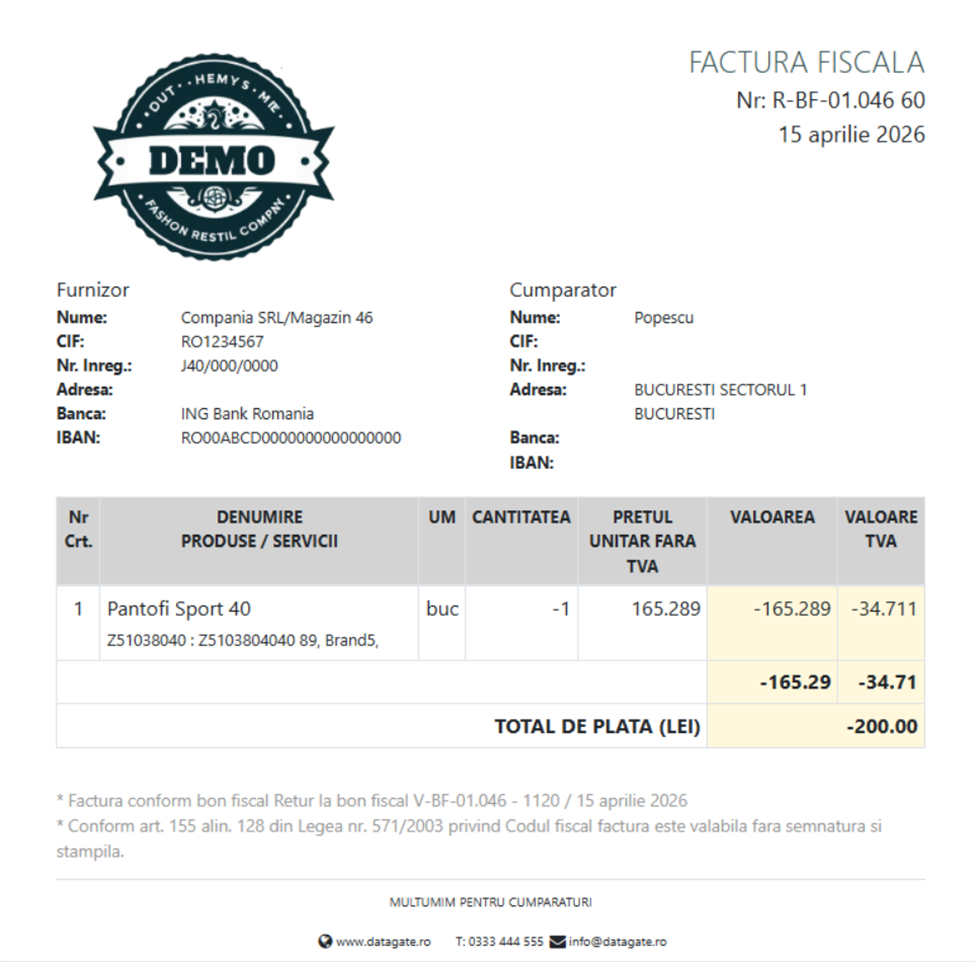
- If the return is made on a tax receipt (individual), the return invoice is issued for the individual
- If an invoice has been issued for a legal entity, the return is made to the same legal entity
- If an invoice has been issued for an individual, the return is also made to that individual
The data is filled in identically as for invoicing: name, county, locality (natural person) or CUI with ANAF Takeover (legal entity).
4. Completion
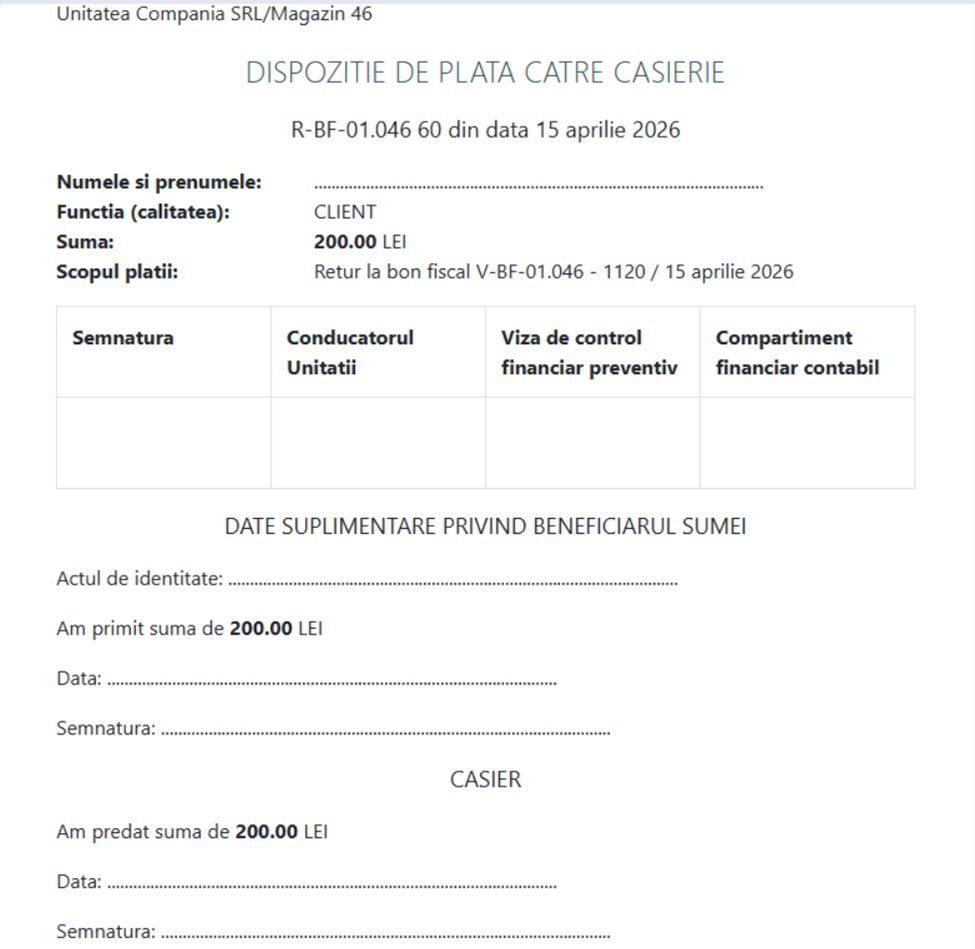
Click Finish & Print. When the return is issued, the return invoice and the payment order are automatically generated.
Return from other stores
Thanks to RS Mall's online architecture, returns can be made for products purchased from any store in the network. The system accesses the original transaction in real-time, regardless of the location where the sale was made.