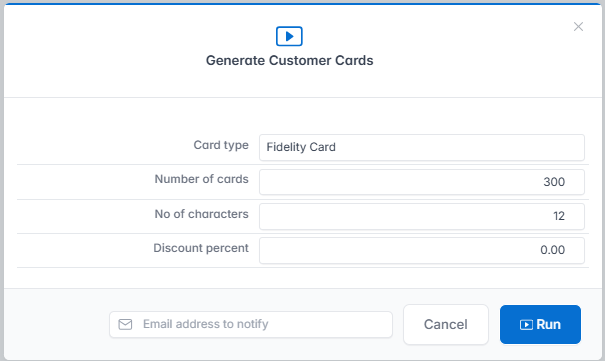
The Generate Customers Card procedure from the Customer Cards menu is used.

Fill in the window with the following data:
- Card type: Fidelity Card.
- Enter the number of cards you want to generate.
- Number of characters - barcodes consisting of 12 random digits will be generated.
- Discount percentage is filled in only if applicable, depending on the loyalty mechanism chosen.
Fill in the email address on which you want to receive the list of loyalty cards generated and press the Run key.